
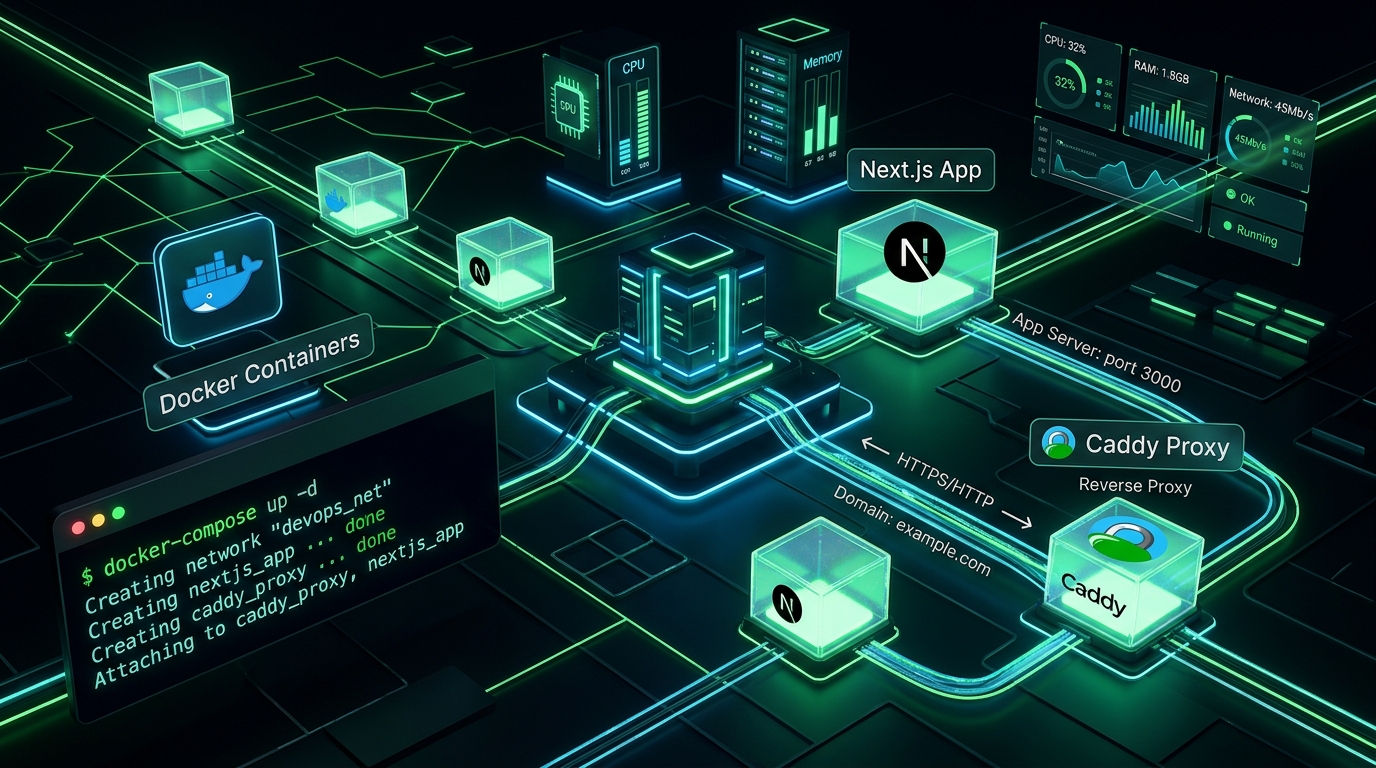
Take full ownership of your deployment stack. Here is how to configure a production Linux VPS with Next.js, Docker, automated TLS via Caddy, and a clean LovieMe custom subdomain.
While platform-as-a-service providers like Vercel and Railway are great, running your own Virtual Private Server (VPS) gives you total architectural control, lower compute costs, and zero vendor lock-in.
In this guide, we will connect a LovieMe subdomain (app.lovie.me) to a clean Ubuntu server with automated HTTPS and Docker containerization.
📋 Architecture Overview
Our production stack consists of:
- DNS: LovieMe A Record → Public VPS IPv4
- Reverse Proxy: Caddy 2 (Automatic Let's Encrypt TLS 1.3 issuance)
- Application: Next.js 16 Docker container (listening on internal port
3000) - Orchestration: Docker Compose with automated restart policies
🛠️ Step 1: Configure LovieMe DNS
- In your LovieMe console, claim your prefix (e.g.
app). - Add an A Record:
- Type:
A - Name:
@ - Content:
<Your-VPS-Public-IP>(e.g.198.51.100.42) - TTL:
300
- Type:
Verify resolution with:
dig +short A app.lovie.me
🐳 Step 2: Dockerize Your Next.js Application
Create a multi-stage Dockerfile inside your Next.js project root:
FROM node:20-alpine AS builder
WORKDIR /app
COPY package*.json ./
RUN npm ci
COPY . .
RUN npm run build

FROM node:20-alpine AS runner
WORKDIR /app
ENV NODE_ENV=production
ENV PORT=3000
COPY --from=builder /app/public ./public
COPY --from=builder /app/.next/standalone ./
COPY --from=builder /app/.next/static ./.next/static
EXPOSE 3000
CMD ["node", "server.js"]
⚙️ Step 3: Define Docker Compose
Create a docker-compose.yml file that connects your container to Caddy:
version: "3.8"

services:
  web:
    build: .
    restart: always
    environment:
      - NODE_ENV=production
    networks:
      - internal_net

  caddy:
    image: caddy:2-alpine
    restart: always
    ports:
      - "80:80"
      - "443:443"
    volumes:
      - ./Caddyfile:/etc/caddy/Caddyfile
      - caddy_data:/data
      - caddy_config:/config
    networks:
      - internal_net
    depends_on:
      - web

networks:
  internal_net:

volumes:
  caddy_data:
  caddy_config:
🔒 Step 4: Configure the Caddyfile
Caddy automatically requests, verifies, and renews Let's Encrypt or ZeroSSL certificates over ACME. Create a Caddyfile:
app.lovie.me {
    reverse_proxy web:3000

    encode gzip zstd

    header {
        Strict-Transport-Security "max-age=63072000; includeSubDomains; preload"
        X-Content-Type-Options "nosniff"
        X-Frame-Options "DENY"
        Referrer-Policy "strict-origin-when-cross-origin"
    }
}
🚀 Step 5: Launch to Production
On your VPS terminal, launch your containers in detached mode:
docker compose up -d --build
Inspect Caddy's logs to witness automatic certificate issuance:
docker compose logs -f caddy
You will see:
certificate obtained successfully {"identifier": "app.lovie.me", "issuer": "acme-v02.api.letsencrypt.org-directory"}
Open https://app.lovie.me in your browser: you now have a fully containerized, high-performance production Next.js application running with a clean LovieMe custom domain and automated TLS encryption!